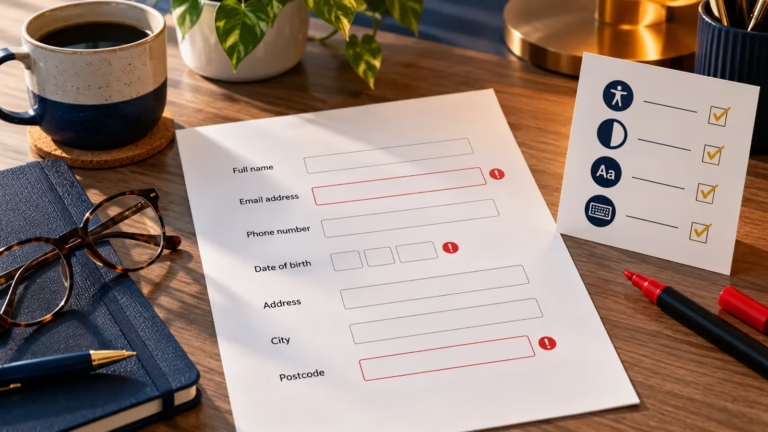
Buttons that look slightly different from page to page, three shades of the same blue, a form component rebuilt for the fourth time: these are the usual signs that a team needs shared design standards. A design system can fix them, but only if someone looks after it. A system built in one push and then left alone soon falls out of date.
Quick answer: a design system is a shared set of styles, reusable components and documentation that a team uses to build a product consistently. Start with an audit of what you already have, turn your core styles into design tokens, build and document the few components you use most, and give the system an owner from the beginning.
What a design system contains
The Nielsen Norman Group defines a design system as a complete set of standards for managing design at scale (opens in a new tab) using reusable components and patterns. In practice it has several layers.
Part | What it holds | Example |
|---|---|---|
Design tokens | Named values for colour, type, spacing and other basic styles | color-action rather than a hard-coded hex value |
Style guide | How the brand looks and sounds: colour, typography, imagery, tone of voice | Which colour to use for links and when |
Component library | Reusable interface elements with their states and code | Buttons, form fields, alerts, navigation |
Pattern library | Combinations of components for common tasks and page types | A sign-up form, an error summary, a search results page |
Documentation | When and how to use each part, with examples and a record of changes | Usage guidance and a changelog |
The Digital Hub Zone Design System is a small working example. It documents our visual foundations, components, content standards and page patterns.
Style guide or design system?
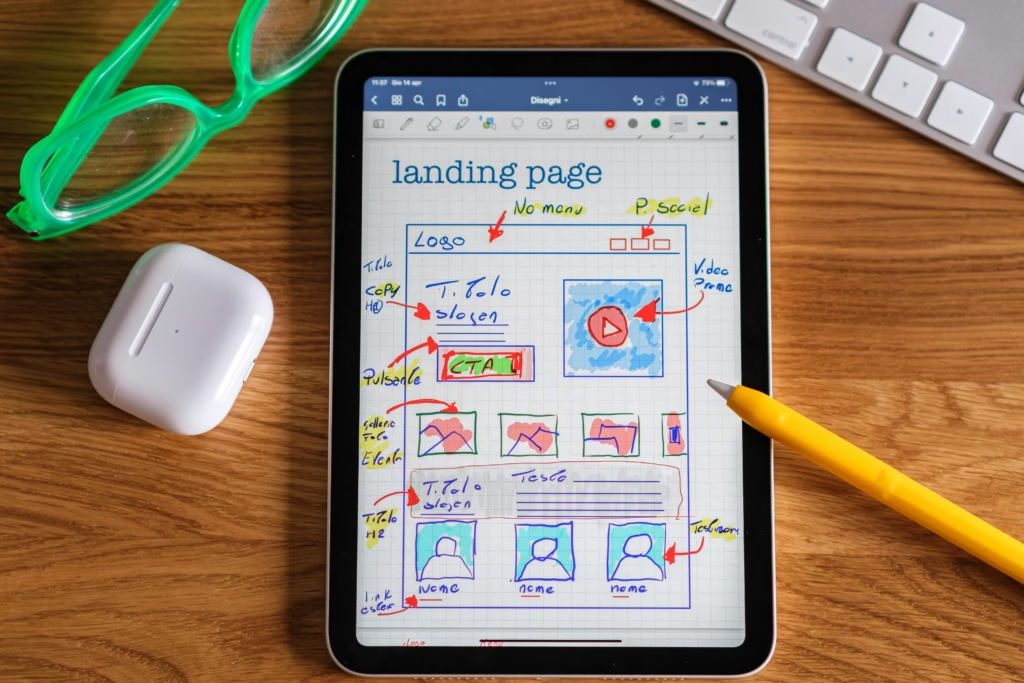
A style guide is one part of a design system. It records how things should look and sound: colours, typefaces, imagery and tone of voice. A design system adds the working parts that turn those rules into a product, such as coded components, patterns for common tasks, design tokens and the process for changing them. Many teams start with a style guide and grow it into a system as the same components are reused.
Do you need one?
Not every team needs a full design system. The Nielsen Norman Group’s view is that a system pays off when an organisation expects years of repeated design work, and is unlikely to repay the effort on an early prototype that may change completely. Building a custom system also costs more than adopting an existing one.
For a small team or a single website, a documented colour palette, a type scale and a handful of well-built components often give most of the benefit. Treat that as the start of a system and add to it when the same problems keep coming back.
How long a system takes depends on what it covers. A documented set of tokens and a few core components can be ready in weeks. A system that covers every component and pattern in a large product is built up over months and years, and is never finished, because the product it serves keeps changing.
What the style guide should define
The style guide sets the visual decisions that every component builds on. Record each decision with the reason for it, so the team can apply it to cases the guide does not cover.
Area | What to define | Common gap |
|---|---|---|
Colour | Brand, text, background, border and status colours, with the pairs that meet contrast requirements | Hover, focus and disabled states that fail contrast |
Typography | Font families, a type scale, line heights and which heading level uses which size | Sizes chosen per page rather than from the scale |
Spacing | A spacing scale, such as 4, 8, 16, 24 and 32 pixels, used for padding, margins and gaps | One-off values that drift over time |
Layout | Grid, content widths and breakpoints | Components that only work at one width |
Icons and imagery | Icon style and sizes, image ratios, and when an image needs alt text | Icons used without a text label |
Voice and tone | How the product addresses people, button wording and error message style | Different wording for the same action |
The Accessible Colour-Palette Builder and the Responsive Typography Calculator help with the colour and type decisions.
How to start
Work through these steps in order. Each one makes the next easier.
1. Audit what you already have
Collect screenshots of every button, form field, heading style and colour in use across the product, and list the components developers have built more than once. Note the inconsistencies: five button styles, twelve greys, three ways of showing an error. The audit shows what to consolidate first and gives you evidence when you ask for time to fix it.

2. Agree a few principles
Write down the decisions that every component should follow: how the product should feel, how interactions behave, and your accessibility standard. WCAG 2.2 (opens in a new tab) at level AA is the usual benchmark. Principles give the team a way to settle disagreements without starting from scratch each time.
3. Turn core styles into design tokens
Design tokens store basic style decisions as named values, so a change made in one place carries through every component and platform. In October 2025 the W3C Design Tokens Community Group published the first stable version of its design tokens format (opens in a new tab), a shared file format that design and development tools can read and write. It supports themes such as light and dark modes, references between tokens and modern colour spaces.
Name tokens by their role rather than their value. A token called surface or text-muted still makes sense when the colour changes; a token called grey-200 does not. Many teams use two layers: primitive tokens for the raw palette, and semantic tokens that point to them and are used in components. Our colour and semantic-token reference shows this approach.
4. Build the components you use most
Start with the components that appear on almost every page: buttons, links, form fields, error messages and navigation. Build each one to work at every screen width and with a keyboard and screen reader before it enters the library, because fixing a shared component later means retesting every page that uses it. The Digital Hub Zone accessibility acceptance checklist covers keyboard use, focus visibility, contrast, zoom, structure and error handling.
Add components when a real need appears on more than one page, not in case they are needed. A smaller library that people trust is more useful than a large one full of untested parts.
5. Document as you build
Write the guidance for each component at the same time as the component. Documentation that arrives later rarely arrives at all. For each component, record:
- what it is for, and when to use something else instead;
- its variants and states, including hover, focus, disabled, loading and error;
- accessibility notes, such as the keyboard behaviour and how it is announced by screen readers;
- the content rules, such as maximum label length and how to word it;
- a working code example and the design file it comes from;
- do and don’t examples taken from your own product.
6. Give the system an owner
A design system needs ongoing care. The Nielsen Norman Group suggests a dedicated team that includes at least an interaction designer, a visual designer and a developer, with a senior sponsor to secure time and funding. On a small team the owner may be one person for part of their week, but the responsibility still needs a name against it.
How to manage changes
A system that cannot change gets worked around, and one that changes without warning breaks the products that use it. Agree how changes happen before the first request arrives.
- Give people one place to propose a new component or report a problem, and say how requests are reviewed.
- Version the coded components. Semantic versioning (opens in a new tab) is a common convention: the first number changes for updates that break existing use, the second for new features and the third for fixes.
- Keep a changelog in plain language that says what changed, why and what teams need to do.
- Mark components that are being retired, say what replaces them and give a date.
Tools for building and documenting a system
You do not need all of these. Pick the ones that fit how your team already works.
Tool | Used for |
|---|---|
Storing colour, spacing and other values in design files, with modes such as light and dark themes | |
Tokens Studio | Managing design tokens in Figma and syncing them with code |
Turning one set of tokens into CSS, iOS, Android and other formats | |
Building and showing coded components in isolation, alongside their documentation | |
zeroheight | Publishing design system documentation that combines design files and code |
The W3C announcement of the design tokens format names Style Dictionary and Tokens Studio among its reference implementations, and Figma and zeroheight among the tools supporting or implementing it.
Keeping the system in use
A system only helps if people use it. Make the system the easiest way to build: components that work well, documentation that answers real questions, and a clear way to request changes.
Involve developers as well as designers from the first component. A system that looks right in design files but is awkward to use in code will be avoided.
Allow documented exceptions when a situation calls for something different, and record them. Repeated exceptions usually show where the system needs a new component or a change to an existing one.

Common problems and how to handle them
Problem | What usually helps |
|---|---|
Teams build their own versions instead of using the system | Find out what the system component lacks, fix it, and show the time saved on a real piece of work |
The system falls out of date | Name an owner, review components on a regular cycle and remove what is no longer used |
Components are too rigid for real cases | Add documented variants rather than letting teams override styles in their own code |
Components are so flexible they stop being consistent | Limit options to the variants the product needs, and document when to use each |
Design files and code drift apart | Use the same token names in both, and review design and code changes together |
Design systems worth studying
These public systems show how mature teams document their work. Borrow their structure, not their visual style.
System | Maintained by | Useful for |
|---|---|---|
Government Digital Service | Accessible components and patterns for common tasks such as forms, based on research across government | |
Google | Detailed component documentation and design tokens across platforms | |
IBM | An open-source system serving a large range of products | |
Salesforce | Patterns for complex business applications |
Next step
Run the audit in step 1 on your own site this week. The CSS Grid and Flexbox guide will help when you turn page layouts into reusable patterns.