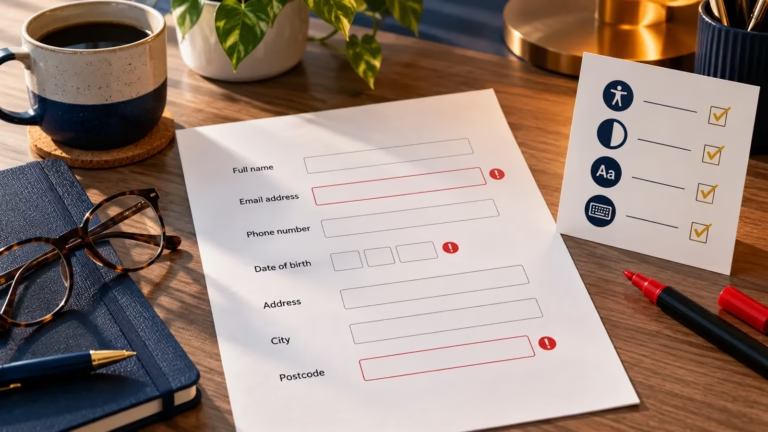
Accessible Web Forms: Labels, Instructions and Error Messages
Build clearer, more accessible web forms with useful labels, concise instructions, identifiable errors and a practical testing workflow.


User experience (UX) design focuses on creating digital experiences that are intuitive, efficient, and enjoyable to use. It includes usability, interaction design, accessibility, and research-driven design decisions that improve how users interact with websites and applications.
Build clearer, more accessible web forms with useful labels, concise instructions, identifiable errors and a practical testing workflow.

Run a practical first-pass website accessibility audit covering keyboard use, focus, headings, images, contrast, forms, links and responsive layouts.

Use this practical website audit checklist to find problems with usability, SEO, performance, accessibility and measurement.

A practical on-page SEO checklist covering page titles, meta descriptions, headings, content, internal links, images and URLs, with free tools to check each step.
Understand the differences between CSS Grid and Flexbox. Learn when to use each layout system to build flexible and responsive web layouts.

Make the web accessible for everyone. Learn how inclusive web design improves user experience, boosts SEO, and ensures compliance with accessibility standards.

Learn what goes into a web design system, when it is worth building one and the six steps to start one your team will use.

Learn what Core Web Vitals measure, why PageSpeed scores and Search Console can disagree, and how to fix LCP, INP and CLS.
