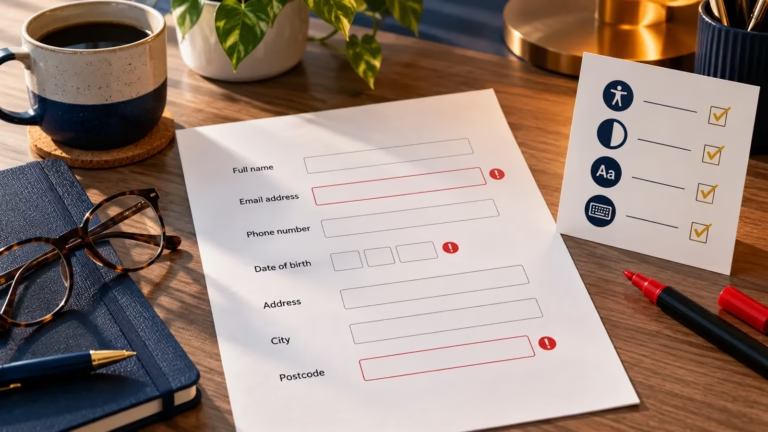
Accessible Web Forms: Labels, Instructions and Error Messages
Build clearer, more accessible web forms with useful labels, concise instructions, identifiable errors and a practical testing workflow.


Web development involves building websites and web applications across both front-end and back-end technologies. Front-end development focuses on user interfaces built with HTML, CSS, and JavaScript, while back-end development includes server-side programming languages such as PHP, Python, or Node.js, along with databases and APIs that power dynamic functionality.
Build clearer, more accessible web forms with useful labels, concise instructions, identifiable errors and a practical testing workflow.

Learn how to measure, diagnose and improve Interaction to Next Paint across any website platform without relying on guesswork or risky blanket optimisation.

Run a practical first-pass website accessibility audit covering keyboard use, focus, headings, images, contrast, forms, links and responsive layouts.
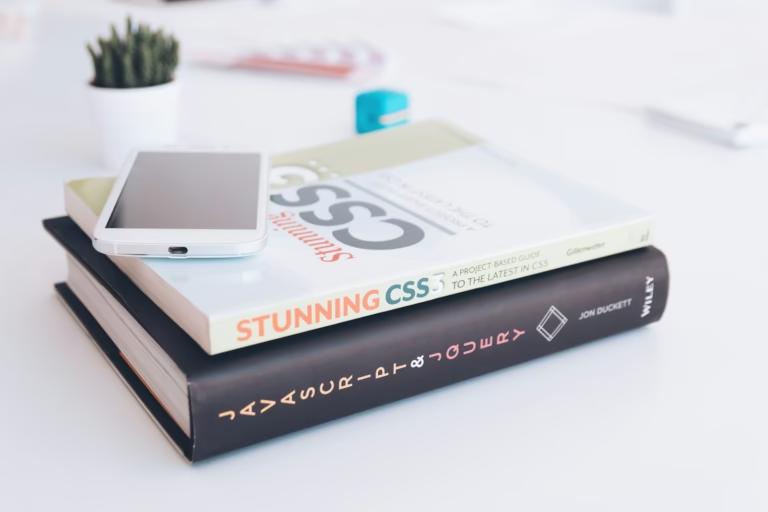
Understand the differences between CSS Grid and Flexbox. Learn when to use each layout system to build flexible and responsive web layouts.

Make the web accessible for everyone. Learn how inclusive web design improves user experience, boosts SEO, and ensures compliance with accessibility standards.

Explore how AI is revolutionising web development with automation, personalisation, and smarter security.

Learn what goes into a web design system, when it is worth building one and the six steps to start one your team will use.
